Drawn for 12:00 pm
Mesh gradients
with real grain.
A free mesh gradient generator for product sites, launch posts and decks. Grain is rendered into every 4K export, in your browser or inside ChatGPT.
5 free 4K exports a month · No watermark · No card
Made for the work you ship
Launch posts, heroes, App Store shots and decks, each on a gradient straight from the studio.
LinkedIn and X · 1728 × 2160
Launching soon? Paste your link for a free launch kit: your Product Hunt gallery image, link preview and five more posters, in your brand.
Need an exact size? Backgrounds for a LinkedIn banner, X header, YouTube banner, App Store header and 17 more places, with the safe zones marked.
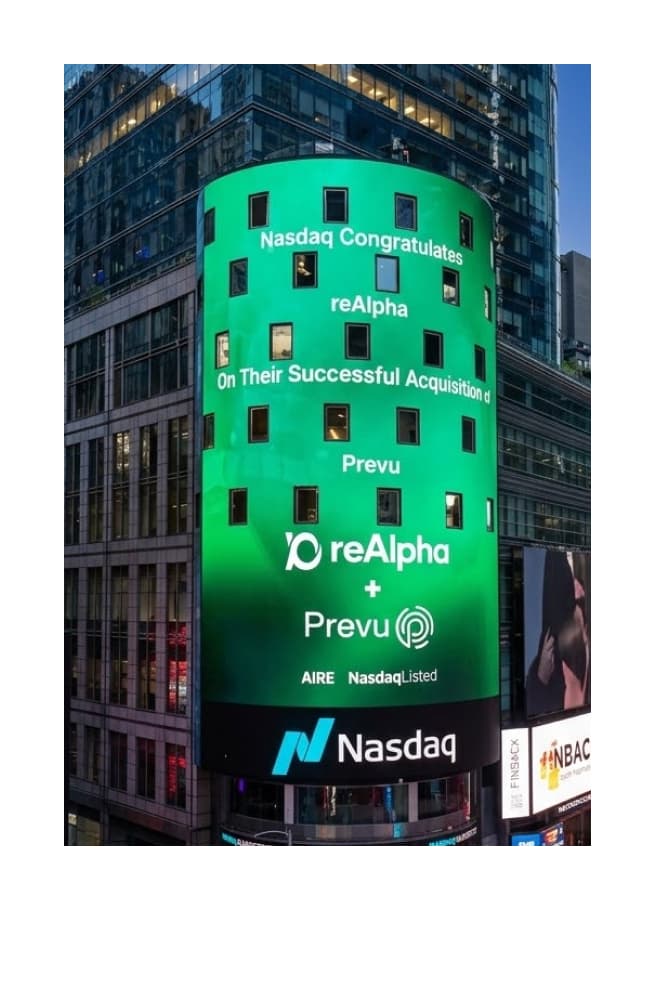
Seen in Times Square
The gradient on the Nasdaq tower, for reAlpha's acquisition of Prevu, was made in Gradients Studio.
By reAlpha's design team. Rendered grain is what keeps a gradient clean at the size of a building.
Read the storyAn app in ChatGPT
Make one inside ChatGPT
Gradients Studio is an app in ChatGPT. Describe the background you need and pick from real renders, not a guess from an image model.
- 01
Ask for it in plain words
Type @Gradients Studio and say where it's going: “a calm, grainy hero for our launch”.
- 02
Pick one of six, tweak it
Six live variations appear in the chat. Pick one, then ask for warmer, darker or more grain.
- 03
Approve and download
Every size you need in one go: hero, OG image, X, LinkedIn, slide. Designing needs no account.
Coding in Claude Code or Cursor? Add it over MCP.
 Gradients Studioin ChatGPT

Why it looks designed
Gradients Studio is a mesh gradient generator that renders grain into the image itself, so a soft gradient stays smooth at 4K instead of breaking into bands.
 No grainGrain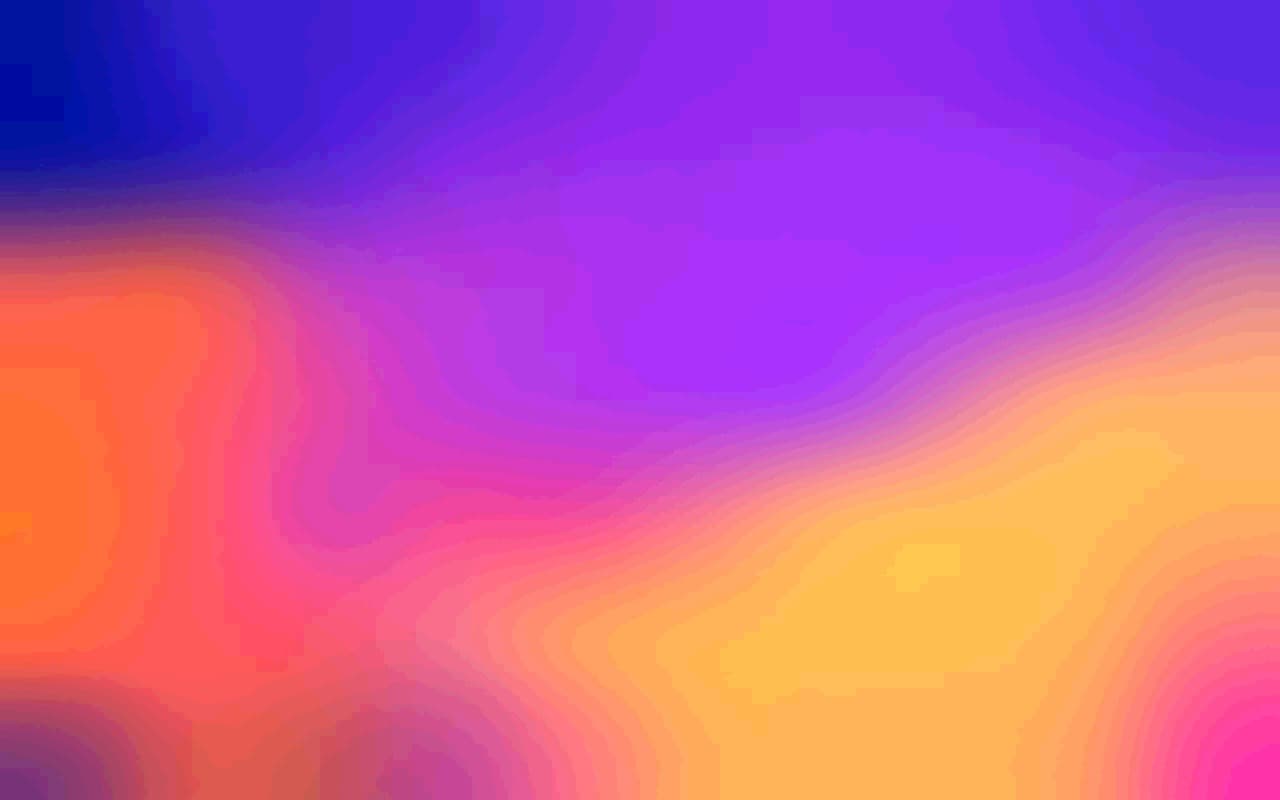
Drag the handle. Same render, same tones; only the grain differs.
- Grain is rendered, not pasted
- Drawn into the gradient at export resolution, so it survives JPEG compression, scaling and print.
- Preview and file match
- Blur is defined against the 4K export. What you tune on a laptop is what lands on the monitor.
- Every size from one design
- Hero, OG card, story, slide, App Store shot: the same gradient, re-rendered for each frame.
How it compares
Pick the tool for the job. If the page needs live CSS, use a CSS tool; for an image that has to hold up at full size, render it.
Gradients StudioWant names? See ten mesh gradient generators compared, with what each one is best at.
Pay once, for the time you need
Nothing renews. Commercial use is on every plan, and exports count the same in the studio, in ChatGPT and over MCP.
- 5 4K exports a month, no watermark
- Every style, color, blur and grain control
- 3 saved palettes
- The ChatGPT app and MCP, same pool
- Unlimited 4K exports, in the studio, ChatGPT and MCP
- Pixel and dither finishes
- 50 saved palettes
- Never renews
One project? The Week Pass is $9 for 7 days of unlimited exports. Get the pass. Buying again adds time to what you have left. Refunds within 14 days if you haven't exported.
Questions
What is the best mesh gradient generator for website backgrounds?
What is a mesh gradient?
How do I make a grainy gradient without banding?
Can ChatGPT make a mesh gradient background?
Is Gradients Studio free?
What size should a gradient be for an OG image or a website hero?
Is Pro a subscription?
Can I use the exports commercially?
What are the pixel and dither finishes?
Does it work with Figma?
Can Claude Code or Cursor make these?
Do you export CSS or SVG?
Updated